Till systems: iiko, Syrve, Poster, Clopos, r_keeper
If you already run a till, the order goes straight into it.
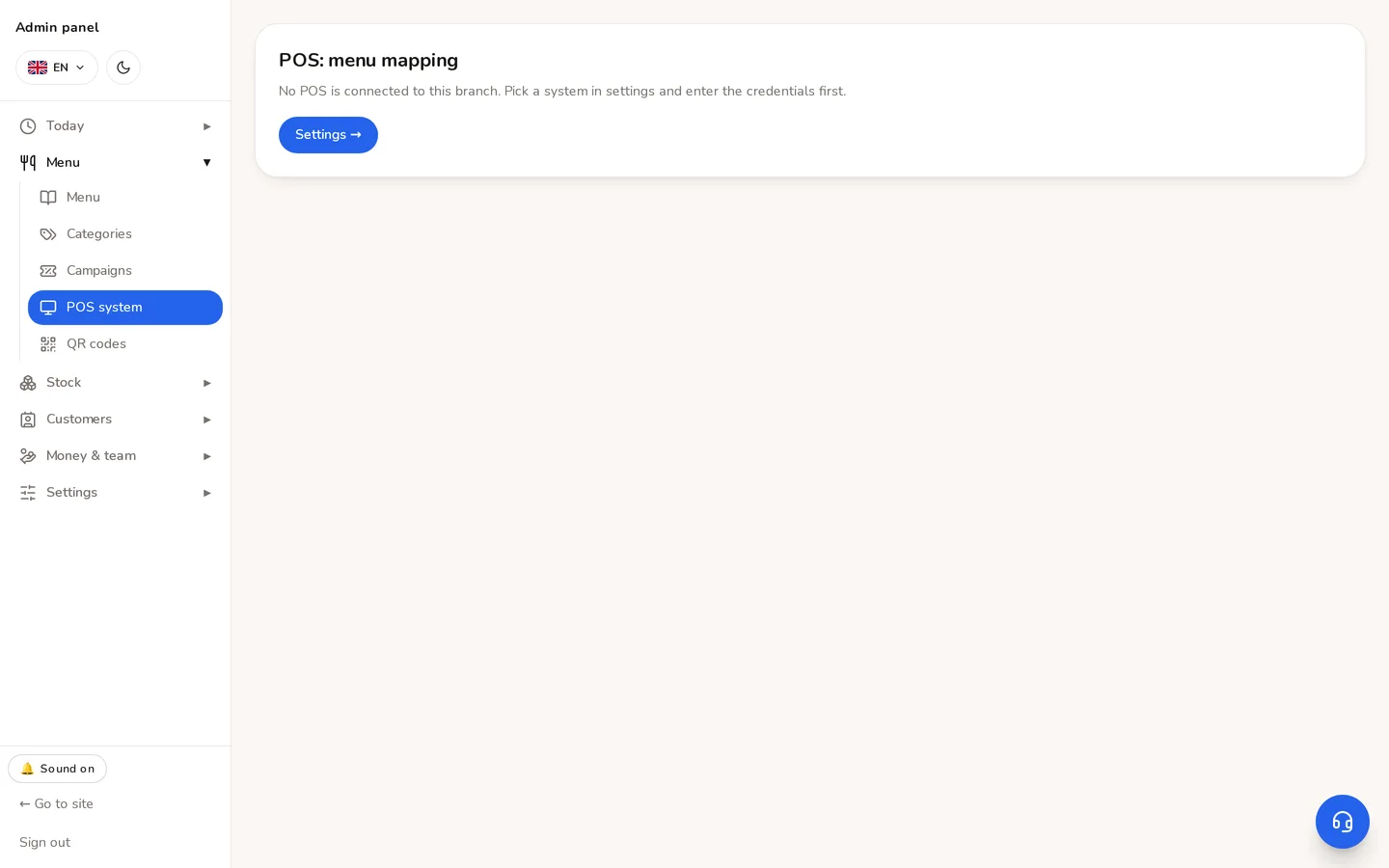
Settings → POS. The menu stays ours — nothing is pulled from the POS: we hold the photos, translations, combos and site copy, and running a menu in two places is confusion.
Connecting
- 1Choose the provider and enter its keys.
- 2Check connection — the answer names the organisation and the terminal, not just «connected».
- 3In Mapping, match each dish to a product in the till.
⚠An unmapped dish stops the whole order. Deliberately: a kitchen handed an incomplete ticket cooks exactly what it saw. The error names the dish.
The setting belongs to the branch: in a chain each kitchen has its own terminal group, and an order printed at the wrong till is worse than one not printed at all. A mapping can be copied from another branch — same brand and same provider.
Provider specifics
| System | What to know |
|---|---|
| iiko / Syrve | The order is created asynchronously: even a 200 does not mean the till has accepted it. The system waits up to 12 seconds and checks. |
| Poster | The order arrives as an «incoming order» and somebody at the till has to press Accept. There is no cancel API — cancel it on the till. |
| Clopos | Auto-accept settings must be on, otherwise the order sits unaccepted. |
| r_keeper | The server sits inside the restaurant. Our server cannot reach it without a forwarded port or a VPN. |
If the till does not answer, the order is not broken: the reason is written on it and a Send again button stays. An order we have and the till does not can be fixed; one lost silently cannot.
Didn't find the answer?
Write on Telegram — a person answers. Tell us which screen you are on and what you expected, and the answer comes in the first reply.
Telegram