Adding and editing a dish
Name, price, photo, description — and the dish appears on the site, on the till and in the bot at once.
In Menu, the + New dish button. Name, category and price are required; the rest can be filled in later.
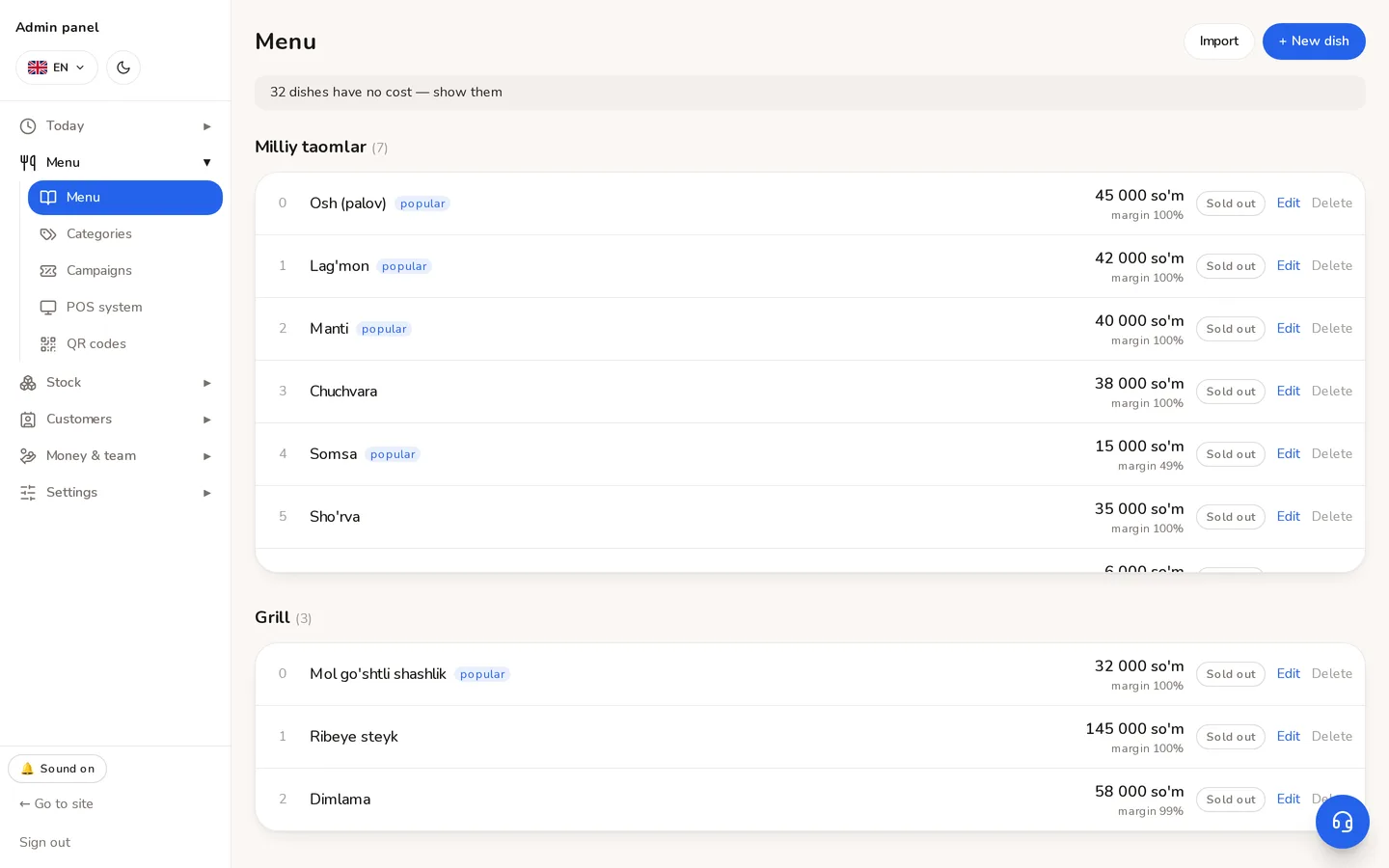
- 1A new dish is added here.
- 2How many dishes have no cost. Click to see only those — useful while costing the menu.
The fields
| Field | What it is for |
|---|---|
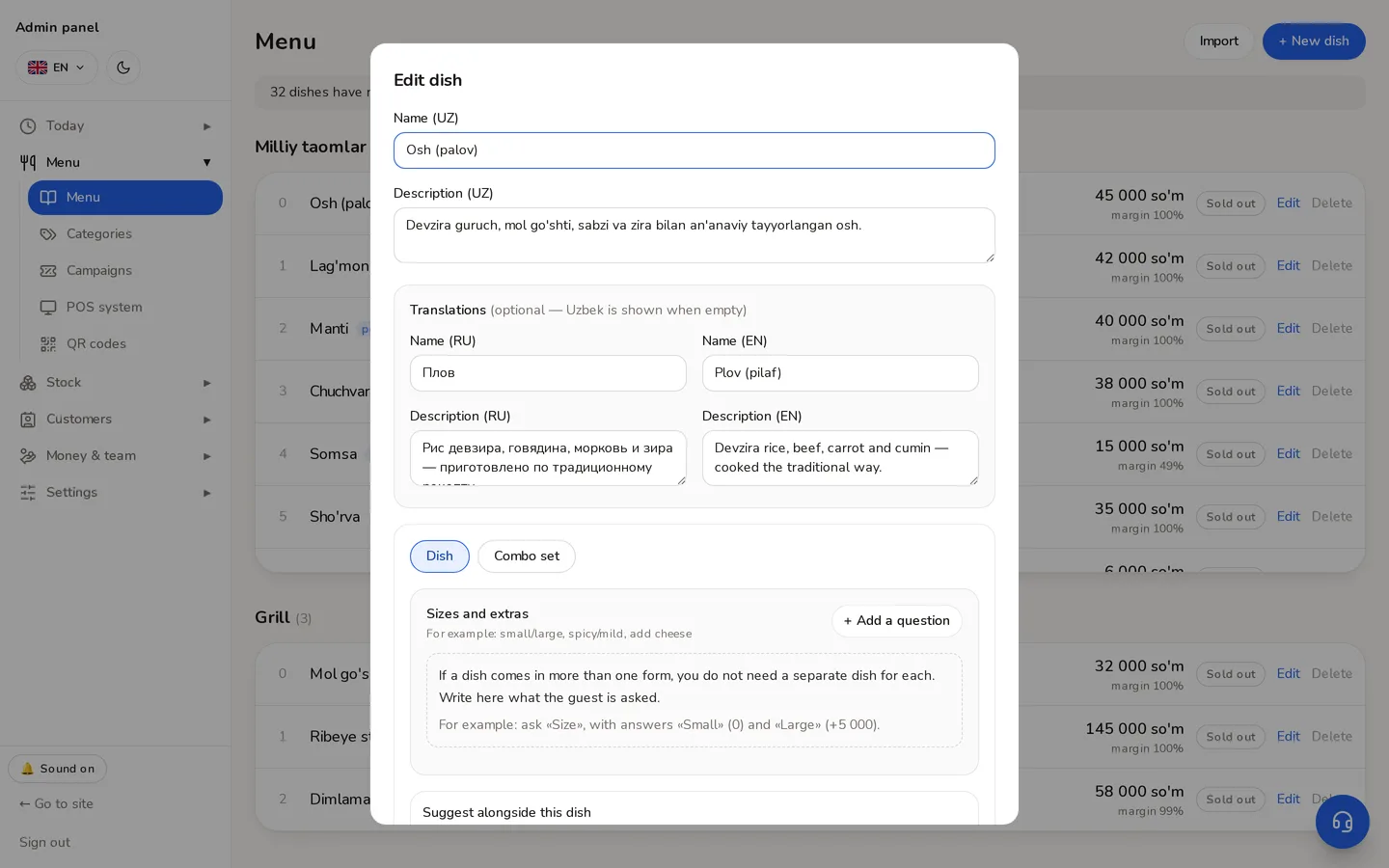
| Name | In three languages. If Russian and English are empty, the Uzbek name is used. |
| Price | In so'm, whole numbers. Tiyin are not used. |
| Old price | The struck-through price, to show a discount. Optional. |
| Cost | What one portion costs the kitchen. Never shown on the site. Ignored once a tech card exists. |
| Available | Turning it off removes the dish from the site (it is not deleted). |
| Popular | Puts it in the «Popular dishes» block on the home page. |
| Tags | «Spicy», «Vegetarian» — they work as filters on the site. |
⚠Deleting a dish does not damage order history — the name and price are frozen into past orders. But a dish inside a combo cannot be deleted: the system names the sets still holding it.
Didn't find the answer?
Write on Telegram — a person answers. Tell us which screen you are on and what you expected, and the answer comes in the first reply.
Telegram