How the site looks: colour, logo, sections
The site's colour and the blocks on the home page are set from the panel — no developer needed.
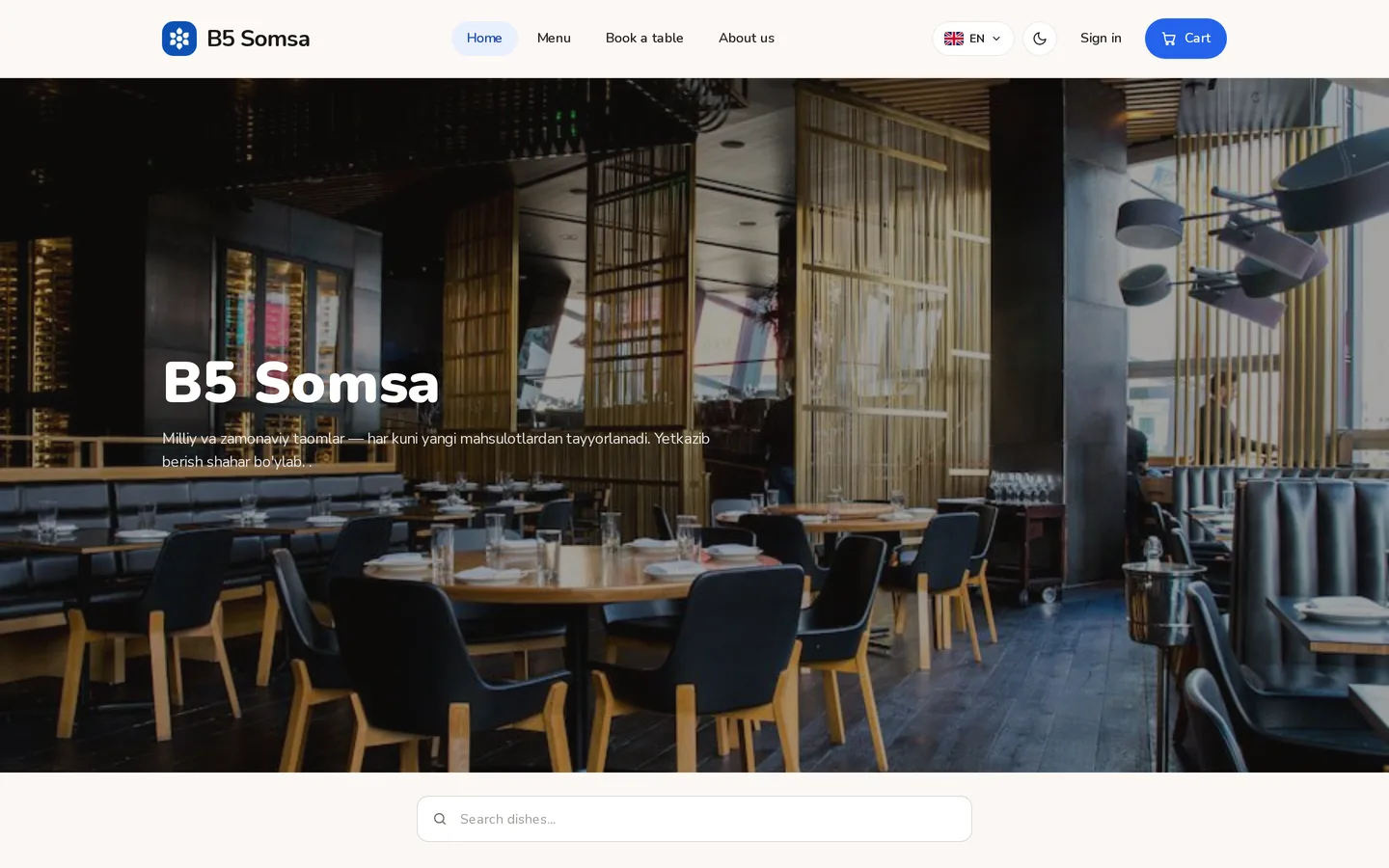
Settings → Site: the brand colour, the logo and the order of the blocks on the home page.
- Accent colour — buttons and marks take it. You pick one; the system works out the rest so text stays readable.
- Logo and cover — uploaded in Settings. The cover sits at the top of the home page.
- Blocks — «Popular dishes», «Offers», «About us», «Map», «Reviews». Each can be turned off and reordered.
- Theme — the guest gets light or dark from their own browser setting. There is no need to force one.
Choose the colour by looking at your own food photos. A deep blue holds a yellow plov well; red argues with almost any food.
Didn't find the answer?
Write on Telegram — a person answers. Tell us which screen you are on and what you expected, and the answer comes in the first reply.
Telegram