Central kitchen: producing a batch
The production kitchen makes 40 kg of sauce on Monday and sends it to three branches.
This section is only for restaurants with a central kitchen. A single-kitchen restaurant opens the page once, reads that it is not for them, and never returns.
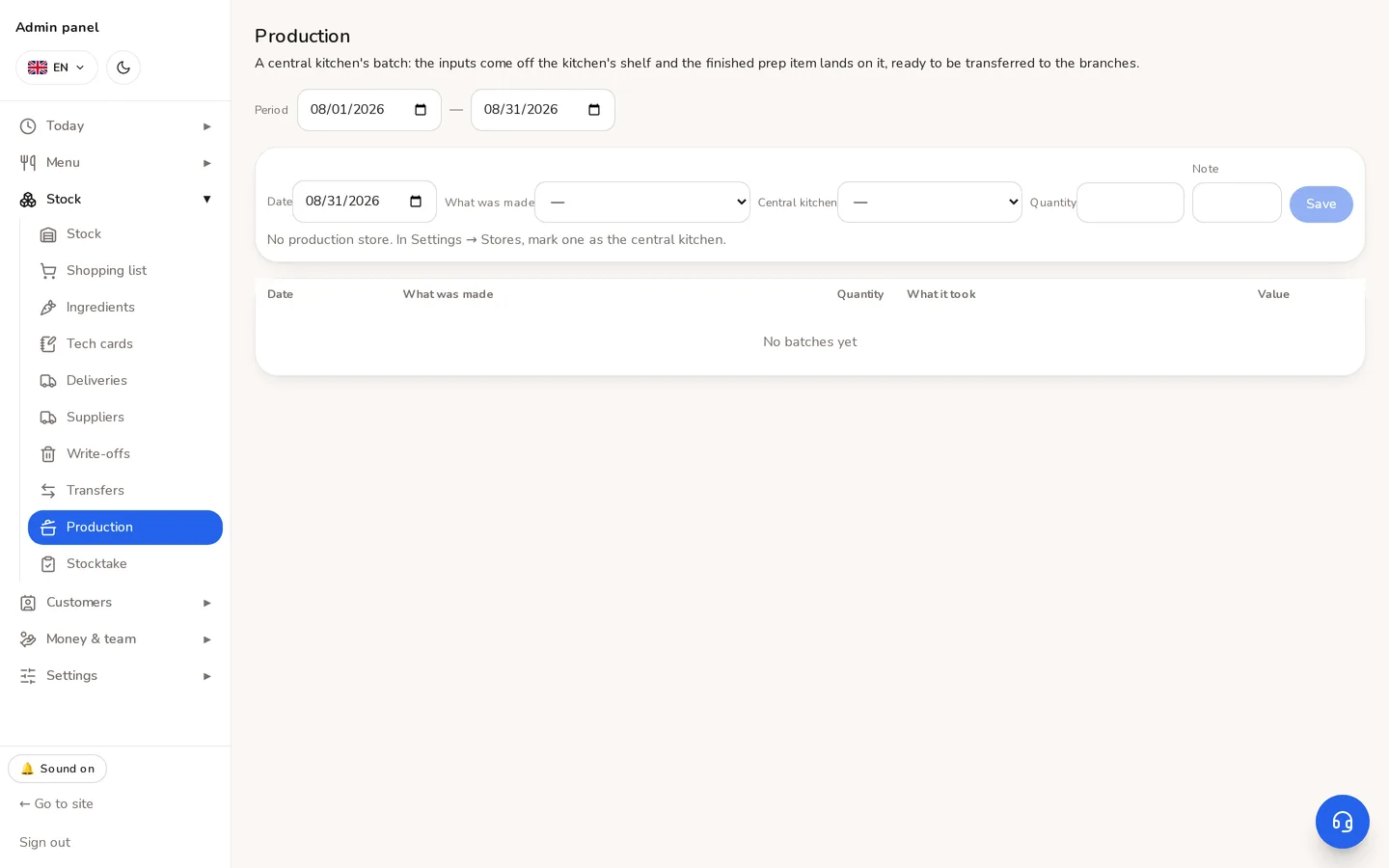
Two halves, and neither works alone
- 1On the prep, switch on «Made in batches». It now counts as a real thing on a shelf and can be transferred.
- 2Set the store's type to «production» — batches are only made there.
- 3Store → Production → record the batch: what, and how much came out.
⚠Flag on, no document → the shelf never fills and the balance goes negative. Document, no flag → the ingredients are deducted twice: here, and again when the dish is sold. The second one surfaces weeks later at a count and looks like the fault of whoever counted.
What a batch consumed is frozen into the document: the card changes, but March's batch took what it took in March.
Didn't find the answer?
Write on Telegram — a person answers. Tell us which screen you are on and what you expected, and the answer comes in the first reply.
Telegram