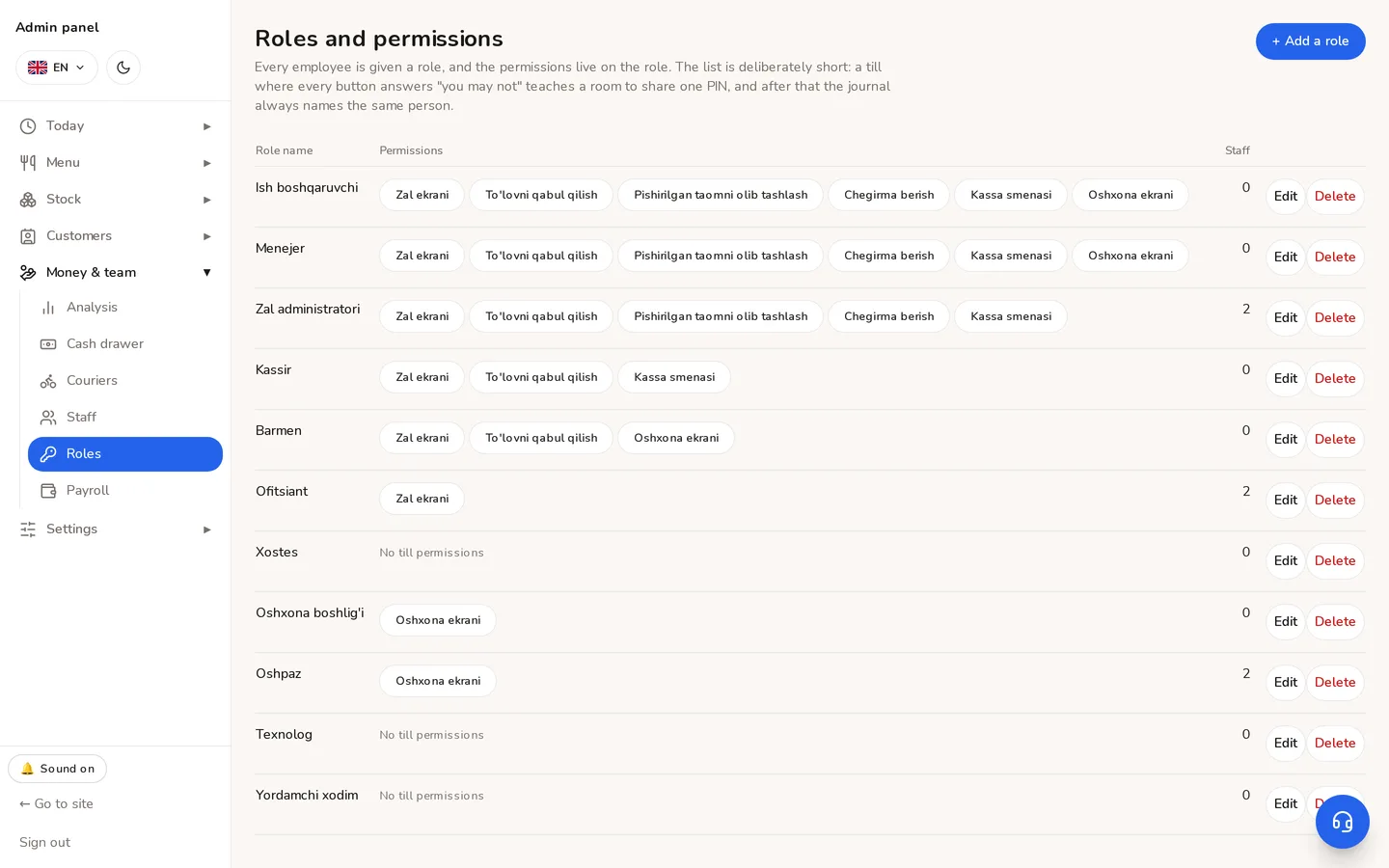
Roles and permissions
Who opens which screen. Every permission is granted on its own and does not follow from a job title.
There are four kinds of account, and they sign into entirely different apps.
| Account | Signs into |
|---|---|
| Owner / manager | The panel (/admin) |
| Employee | Till, dining room, kitchen screen, stock counting (/staff) |
| Courier | The courier app (/kuryer) |
| Customer | The site and the Telegram mini app |
Employee permissions
Money and team → Roles: a role is created with a set of permissions and then given to an employee. The permissions are independent:
- Till — selling, closing a bill.
- Dining room — tables, splitting and merging bills.
- Kitchen screen (KDS) — seeing tickets and pressing «Ready».
- Stock counting — filling in a stocktake.
- Discounts — applying a discount at the till.
- Voiding a bill — voids and refunds.
⚠The kitchen screen and stock counting are off by default — a deliberate departure from this system's usual «empty value means what it did before». On a shared tablet anybody could press «Ready», take the ticket off the kitchen screen, and tell the panel the kitchen cooked it.
Give discounts and voids only to the shift lead. They are the two most expensive buttons on the till, and both are logged.
Didn't find the answer?
Write on Telegram — a person answers. Tell us which screen you are on and what you expected, and the answer comes in the first reply.
Telegram